PDF SAR review
Review searchable PDFs, check suggested UK PII matches, add manual redaction boxes and export flattened redacted pages that stay searchable outside the redactions.

School SAR redaction
RedactNinja is SAR redaction software for schools, academy trusts and data protection teams that need to review PDFs, images, mailbox exports and disclosure packs without uploading source files to a document processing service.

A school subject access request can involve much more than a single PDF. Reviewers may need to collect behaviour records, safeguarding notes, SEND files, emails, parent correspondence, staff comments, meeting notes and exported mailbox material. The risk is not only missing personal data. The risk is losing track of the request, the authority checks, the reason for each redaction and the final disclosure quality check.
The ICO says individuals have a right to access and receive a copy of their personal data, that SARs may be made verbally or in writing, and that organisations should usually respond without undue delay and within one month. Schools also need to think carefully about requests made by parents, carers, solicitors or other representatives, especially where the data subject is a child.
RedactNinja was built around that practical workflow. It helps a reviewer start a case, record requester and data subject details, choose detection rules, review likely matches, add manual redactions, check hidden data and export a disclosure pack. It is not legal advice and it does not replace the DPO, but it gives the review work a more controlled structure.
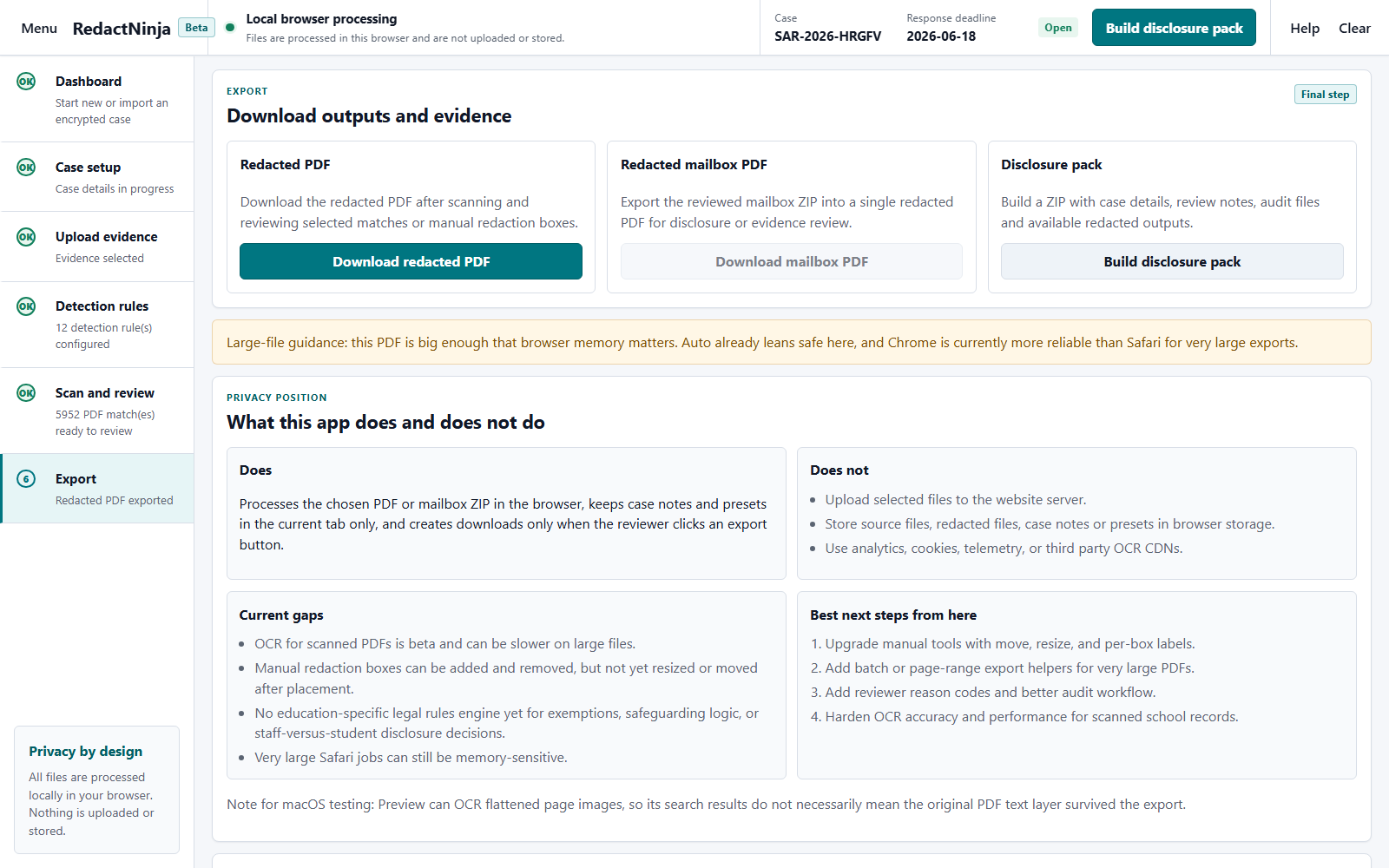
Many SAR tools process documents on a server. That may be suitable for some organisations, but schools handling pupil, staff, safeguarding and SEND material often want to reduce the number of places where source files travel. RedactNinja takes a different approach: the marketing site is static, and the SAR workspace is designed to process selected files in the browser tab.
This does not remove every risk. The reviewer still needs a trusted device, an up to date browser, secure downloads, correct permissions and a local process for storing exported files. It does mean the app does not need a document upload API for source SAR material, which is a useful privacy position for early testing and school review workflows.
Schools and trusts using Microsoft 365 may receive SAR evidence from Microsoft Purview eDiscovery. Microsoft documents export options that can include PST files, MSG files, native files, reports and review set exports. Microsoft also documents export reports such as item, location, settings and summary reports.
RedactNinja is not a replacement for Microsoft Purview. It sits after export as a local review aid. The SAR workspace can inventory Purview style ZIPs, process EML, MSG and MBOX evidence, extract supported native evidence text, and read emails, attachments and pictures from PST files without Outlook, including large PSTs processed folder by folder in batches. It warns when a protected or damaged file cannot be read. That makes the review path clearer for teams that are not full time eDiscovery specialists.
| Evidence type | Typical source | Current RedactNinja support |
|---|---|---|
| Searchable PDF | SAR pack, behaviour report, exported record | Scan, review, manual redaction and redacted PDF export. |
| EML mailbox ZIP | Converted mailbox export or review tool output | Mailbox review, attachment inventory and redacted mailbox PDF output. |
| MSG and MBOX evidence | Message exports or archive files | Supported messages can be parsed locally, reviewed and exported to redacted PDF output. |
| DOCX, XLSX, PPTX, RTF, HTML, CSV and TXT | Native evidence or attachments | Supported text is extracted into fresh redacted PDF output. The original file is not edited. |
| PST mailbox export | Microsoft Purview eDiscovery export | Emails, attachments and pictures are read locally for review and redacted mailbox PDF output. Unicode PSTs, older ANSI PSTs and Outlook offline (.ost) files are supported. No conversion needed. |
| Large or protected PST files | Microsoft Purview export option | Large PSTs are processed in batches by folder. Files protected by Windows Information Protection, or damaged files, are listed with a warning and may need exporting again. |
| Export reports | Purview ZIP reports | Detected and included in inventory notes where present. |
Automatic detection is useful, but it cannot decide disclosure law or school context. A person still needs to review third party personal data, safeguarding context, confidential references, legal privilege, special category data and material that may be outside the scope of the request. For complex cases, the reviewer should involve the DPO, senior leader or legal adviser in line with the school or trust process.
No source document upload API is used by the SAR workspace. Selected files are read in the browser tab.
It can suggest likely names and custom keywords, but reviewers must still check context and use do not redact terms for the data subject.
Yes. It works out the response deadline from the date received, adds days paused for clarification, applies the complex request extension and moves a weekend or bank holiday deadline to the next working day.
Yes. Large PSTs are processed in batches by folder, with attachments and pictures included in the redacted email PDF.
Yes. Each redaction can have a reason, such as third party personal data or one of the DPA 2018 exemptions, and the schedule of redactions lists them for your records and, without the redacted text, for the requester.
No. It supports review work. Disclosure decisions remain with the school, trust, DPO or appointed reviewer.
Next step
Start with a test file, read the user guide and check the security model before using RedactNinja with live SAR material.